Comparison
This page compares @ttsc/graph with the other tools that give a coding agent a view of a codebase over MCP: codegraph, codebase-memory-mcp, and serena. It is for a developer choosing between them.
@ttsc/graph did not invent this category. codegraph put a code graph in front of an agent over MCP first, codebase-memory-mcp took the same idea across 158 languages, and serena reached it from the language-server side. @ttsc/graph is built on what they proved was worth wanting, aimed at one case they were not built for: the open-ended “how does this work?” question, answered without the token cost climbing. The differences below are design differences, not a scoreboard.
Every claim about another tool below links to the source it comes from, and the full list is in Sources. The facts are current as of mid-2026 and taken from each tool’s own repository and docs. All four are moving targets, so check the linked sources before relying on a specific number.
1. The landscape
The four tools side by side, then the measured cost.
1.1. At a glance
@ttsc/graph | codegraph | codebase-memory-mcp | serena | |
|---|---|---|---|---|
| Resolution backend | Real TypeScript compiler (type-checked program) | tree-sitter AST | tree-sitter grammars into a relation graph | Language server (LSP) |
| Language scope | TypeScript only | 20+ | 158 | 40+ |
| A query returns | Index: names, edges, signatures, spans (no bodies) | Verbatim source bodies grouped by file, plus call paths | Graph rows via an openCypher subset; snippets by exact qualified name | Symbol overviews, then source bodies on demand |
| MCP tool surface | 1 | 1 by default (others via CODEGRAPH_MCP_TOOLS) | 14 | 40+ documented, about 27 active by default |
| Setup step | None, rides the type-check | codegraph init | index_repository, auto-index off by default | Project activation and language-server start |
| Instruction strategy | States a condition, first-class escape, does not force | Forces hard: call before Read, do not grep | No MCP-handshake instructions; install-time skills and hooks | Replacement system prompt; recommends disabling Claude Code’s own read and edit tools |
| Its own headline claim | About 10x fewer tokens on open-ended questions | 58% fewer tool calls, file reads to about zero | Up to 120x fewer tokens on structural queries | Symbol tools “more token-efficient than typical alternatives” |
1.2. Measured cost
The chart below is the shared onboarding question across the benchmark repositories, on the primary model lane. @ttsc/graph holds a flat, low median token cost as the repository grows, while the comparators swing with repository size and sometimes land above the no-MCP baseline.
Loading graph benchmark results...
This is the summary view. The full benchmark adds the per-repository prompts, every model, and structural coverage, and the launch post covers the method and where the numbers hold or break down.
2. How they differ
The design differences that decide cost and trust, one at a time.
2.1. What a query returns
This is the difference that decides the token bill on a broad question, so it comes first.
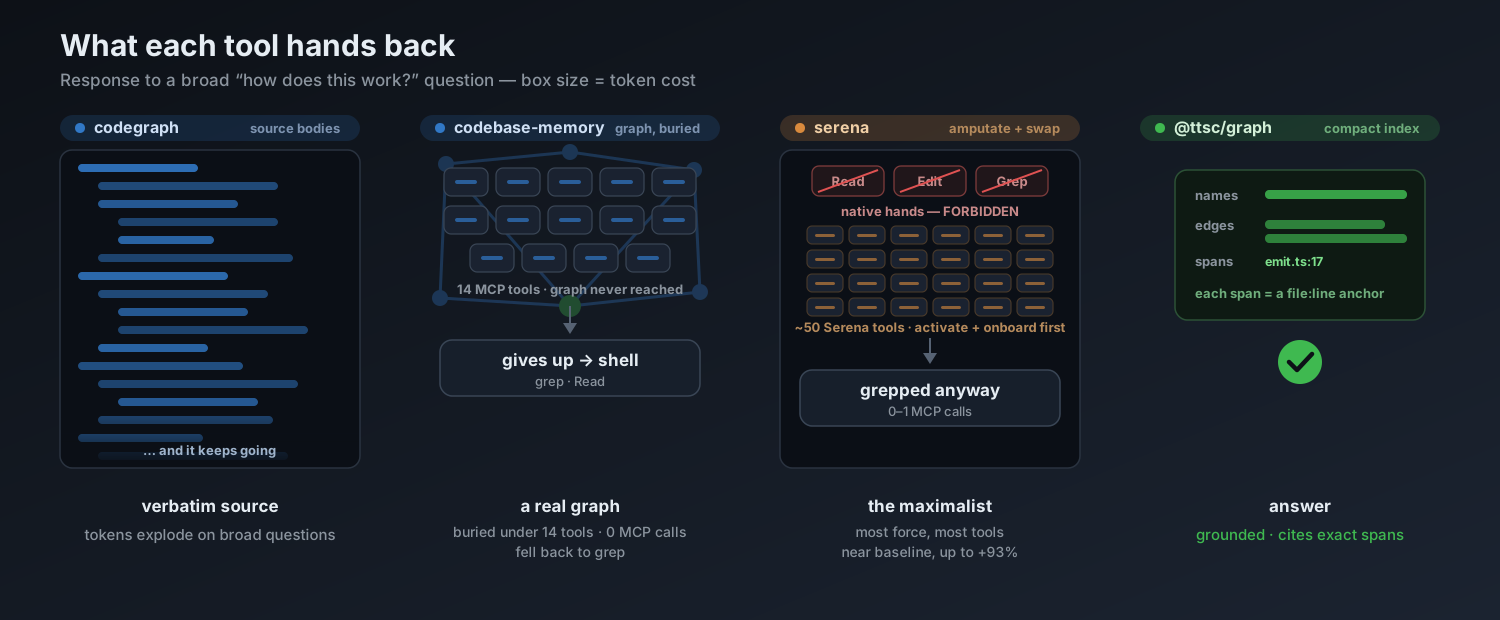
An index of edges stays the same size as the repository grows. A wall of source bodies does not.
@ttsc/graph returns an index and never source bodies: names, edges, signatures, and spans. A span is a file-and-line coordinate the compiler resolved, a citation the agent can open to verify, not a copy of the code. Because the payload is relationships rather than code, its size does not grow with the repository, so a large project and a small one come back about the same.
codegraph returns whole source bodies. Its own instructions describe the output as the same shape the Read tool gives you and tell the agent to “treat the source it returns as already Read” (server-instructions.ts). That is a good fit for editing a known symbol. On a broad question that touches many files it is the opposite of flat: the response grows with the code it pulls in, and past a cap it spills into a follow-up call.
codebase-memory-mcp has the most graph-like core of the three. Underneath it builds a real relation graph of calls and dependencies, close to the one @ttsc/graph returns. Its query_graph tool takes a read-only openCypher subset, and get_code_snippet takes an exact qualified name of the form <project>.<path>.<name> (tool set ). The relation data is there; reaching it takes a query language or a name resolved from an earlier call.
serena returns symbol overviews and then source bodies on demand through its symbol tools (tools ), rather than a whole-graph index.
2.2. How relationships are resolved
@ttsc/graph reads the program ttsc has already type-checked, so module resolution is finished before the graph is drawn. Edges that a text tool can only guess at are exact: tsconfig path aliases, cross-package references in a pnpm monorepo, symlinks, and barrel re-exports all land on the real declaration. The cost of that exactness is scope, covered in the last section.
codegraph and codebase-memory-mcp build their graphs from a tree-sitter parse. That is what lets them span many languages from one codebase, and it resolves what the syntax makes plain. Edges that depend on module resolution or types are inferred from text, so they can be approximate where an alias, a re-export, or a cross-package hop hides the real target.
serena is backed by a language server, so its symbols come out resolved by the same semantic engine an IDE uses, not guessed from text. The difference from @ttsc/graph is shape rather than accuracy: an LSP answers symbol-scoped questions (definition, references, implementations) on request, where @ttsc/graph hands back a whole resolved graph with an architecture and impact projection in one response.
2.3. Tool surface and instructions
A capable graph is no use if the agent never calls it, and the four tools take very different paths to adoption.
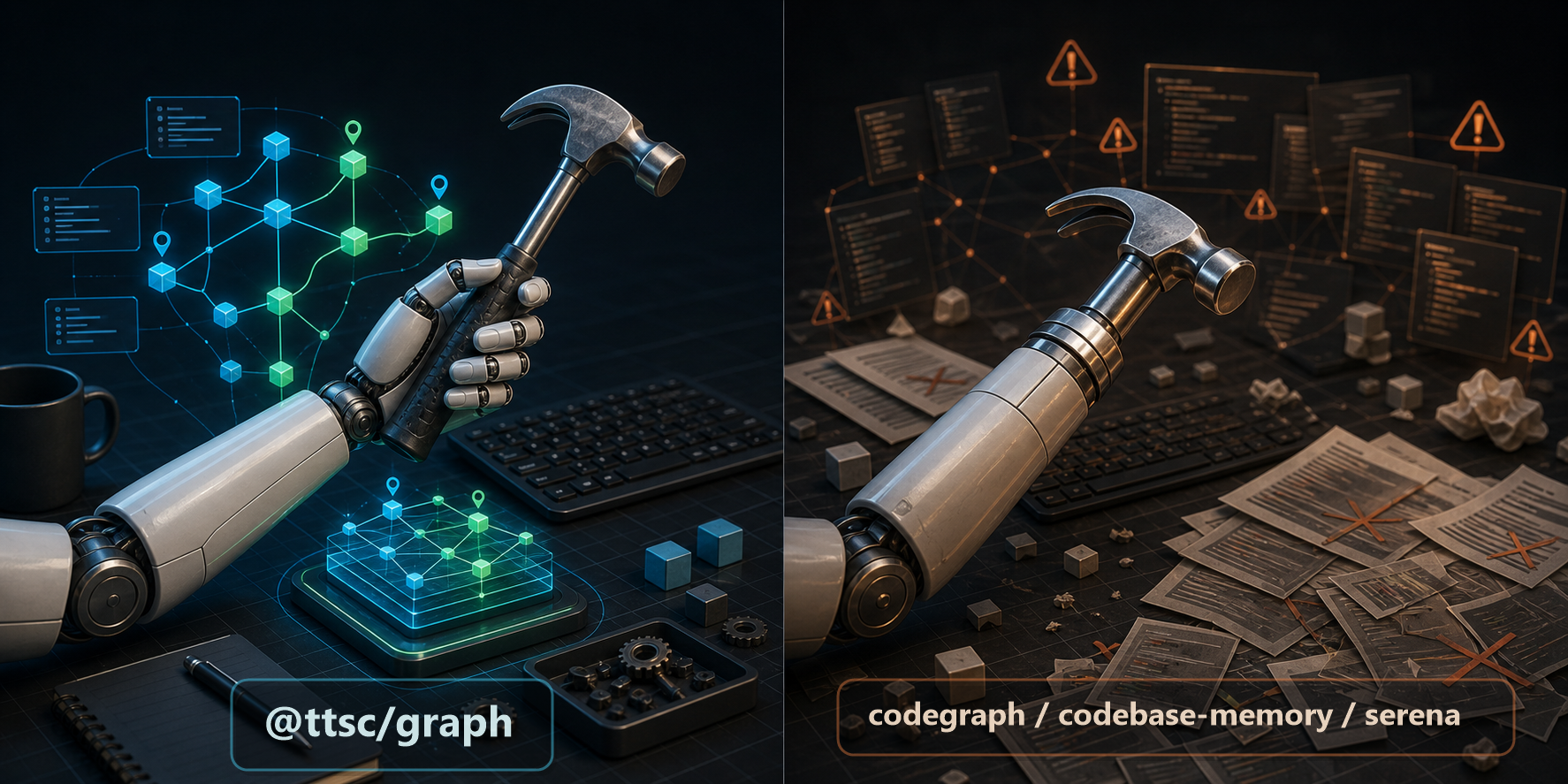
One approach adds a tool to the agent’s hand. Another replaces part of the workflow with its own.
@ttsc/graph exposes one tool. What to do inside it is chosen by a typed request, not by picking from a menu, and a first-class escape lets the agent bail out when the graph is not the right source. Its instructions state a condition (use it when the answer depends on TypeScript symbols, calls, or types) and never tell the agent to call it instead of reading files. The rationale for this shape is the Design page.
codegraph also leads with a single tool, codegraph_explore, with the rest enabled only through the CODEGRAPH_MCP_TOOLS variable, so it avoids a large surface. It leans the other way on instructions: it tells the agent to “call codegraph_explore before you Read,” to reach for it on almost any question, and not to “re-verify them with grep” (server-instructions.ts). Firm guidance keeps the tool from being ignored, at the cost of firing on questions a graph cannot answer.
codebase-memory-mcp exposes fourteen tools and sends no instructions over the MCP handshake. Its guidance ships instead as install-time skill files and hooks that its installer writes per agent, and auto-indexing is off by default (install and tools ). An agent wired to the server without that setup has fourteen tools and little telling it which to use when.
serena has the broadest surface, over forty tools documented and around twenty-seven active by default (tools ), spanning retrieval, symbolic editing, memory, and project management. To get the agent to use them over its own read and edit loop, serena’s recommended Claude Code setup goes furthest of the four. It launches Claude Code with a serena-supplied replacement system prompt (claude --system-prompt="$(serena prompts print-cc-system-prompt-override)") and recommends disabling Claude Code’s own built-in tools, naming replace_string_in_file, apply_patch, list_dir, file_search, and grep_search (Claude Code setup ). Its reasoning is that Claude Code’s built-in tool descriptions run about sixteen thousand tokens and bias the model so strongly toward the built-ins that it is otherwise hard to get it to reach for serena at all. The breadth is deliberate, since serena aims to handle reading and editing, not only orientation.
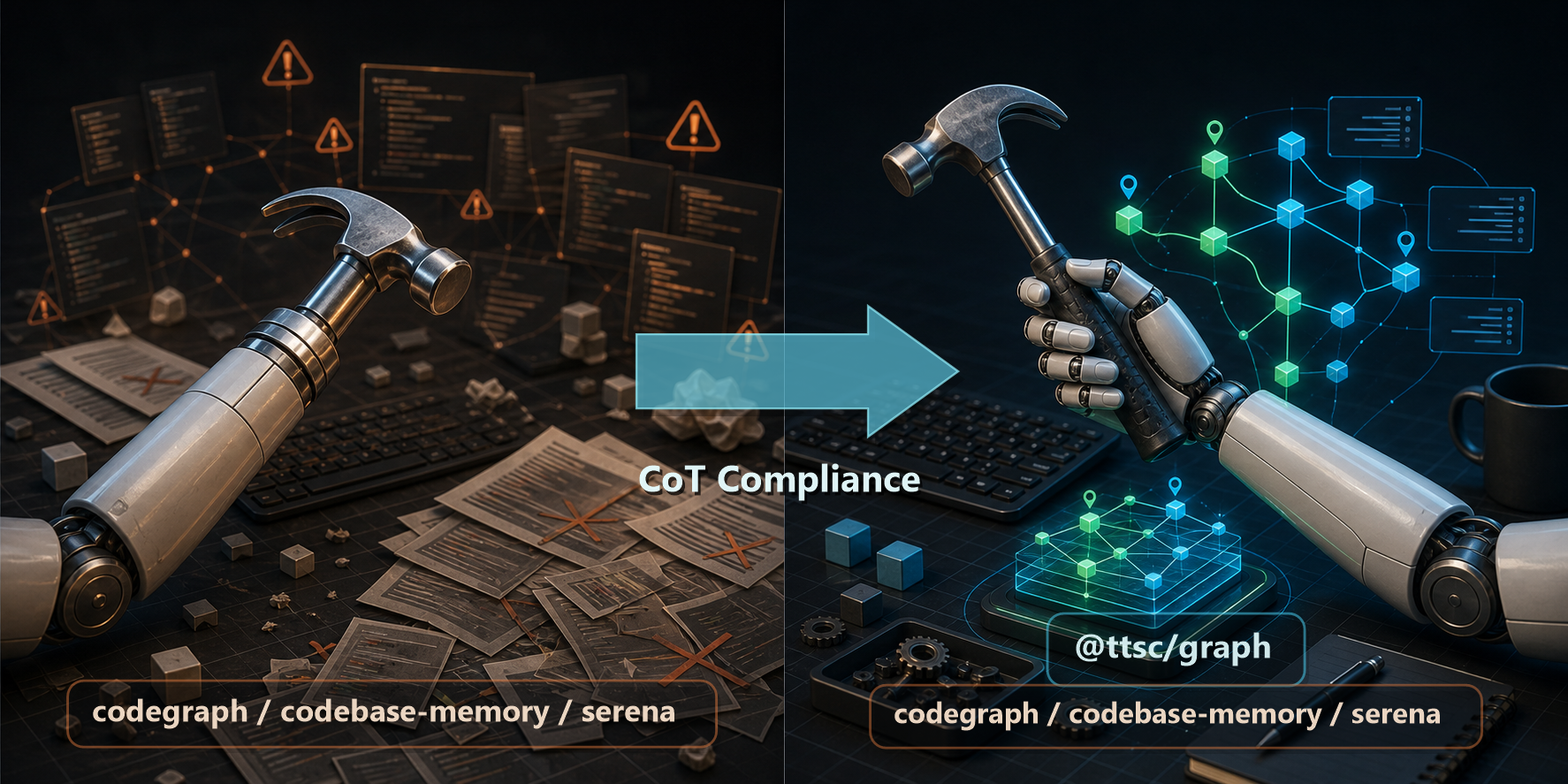
@ttsc/graphreaches adoption from the other direction, by the shape of the tool rather than the loudness of the prompt. That mechanism is the Design page.
2.4. Setup and freshness
@ttsc/graph has no separate index step. The graph falls out of the type-check ttsc already runs, so there is no init command, no file watcher, and no stale index to manage.
The others build an index first. codegraph needs codegraph init to construct the graph into a local .codegraph/ directory, codebase-memory-mcp needs index_repository (and auto-indexing turned on if you want it kept current), and serena activates the project and starts a language server, which carries a cold-start before the first answer.
2.5. Language scope
This is where @ttsc/graph gives up the most. It is TypeScript only, because a compiler-exact graph is bound to one compiler. codegraph covers 20-plus languages, serena 40-plus, and codebase-memory-mcp 158. If your work is not in TypeScript, @ttsc/graph has nothing to hand over, and one of the others is the right pick.
Inside TypeScript, the trade runs the other way. @ttsc/graph spends its narrow scope on depth: a resolved graph, an architecture and impact projection, and compile and lint findings fused onto the symbols that own them, in one index. It trades breadth for depth on purpose, which is the opposite bet from the multi-language tools.
For how these choices play out in measured token cost, see the Benchmark. For why @ttsc/graph makes them, see Design.
3. Sources
The claims above are drawn from each tool’s own repository and documentation, current as of mid-2026.
codegraph: MCP instruction text and tool guidance insrc/mcp/server-instructions.ts; project README forcodegraph_explore, theCODEGRAPH_MCP_TOOLSgate, tree-sitter extraction, andcodegraph init.codebase-memory-mcp: repository for the fourteen tools (includingquery_graphwith its openCypher subset andget_code_snippetby qualified name), the install-time skills and hooks written per agent, auto-index defaulting off, and the 158-language tree-sitter coverage.serena: tools list for the tool count, the Claude Code setup for the replacement system prompt and the recommendation to disable Claude Code’s built-in read and edit tools, configuration and contexts for context behavior, and theclaude-codecontext.